










Introducing Detectronic SmartLogic: A New Generation of Intelligent Metal Detection
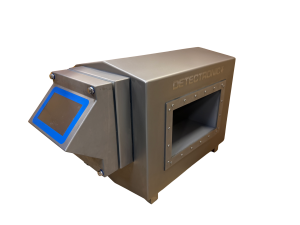
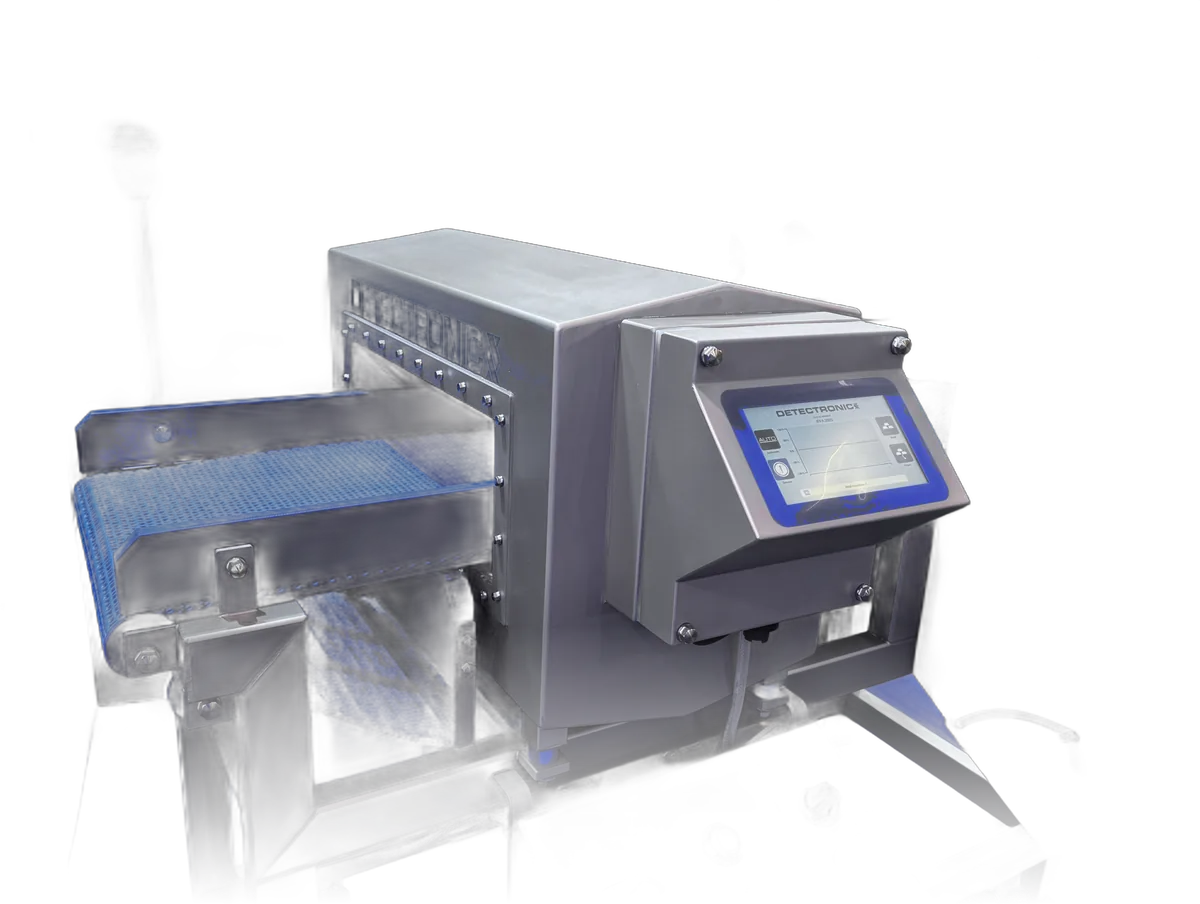
Detectronic has launched SmartLogic, new control software for the Detectronic 607 metal detector. It brings Intelligent Auto Learn, a guided Performance Validation System, calibration certificates on the detector and full traceability of what happens on the line.
What SmartLogic is
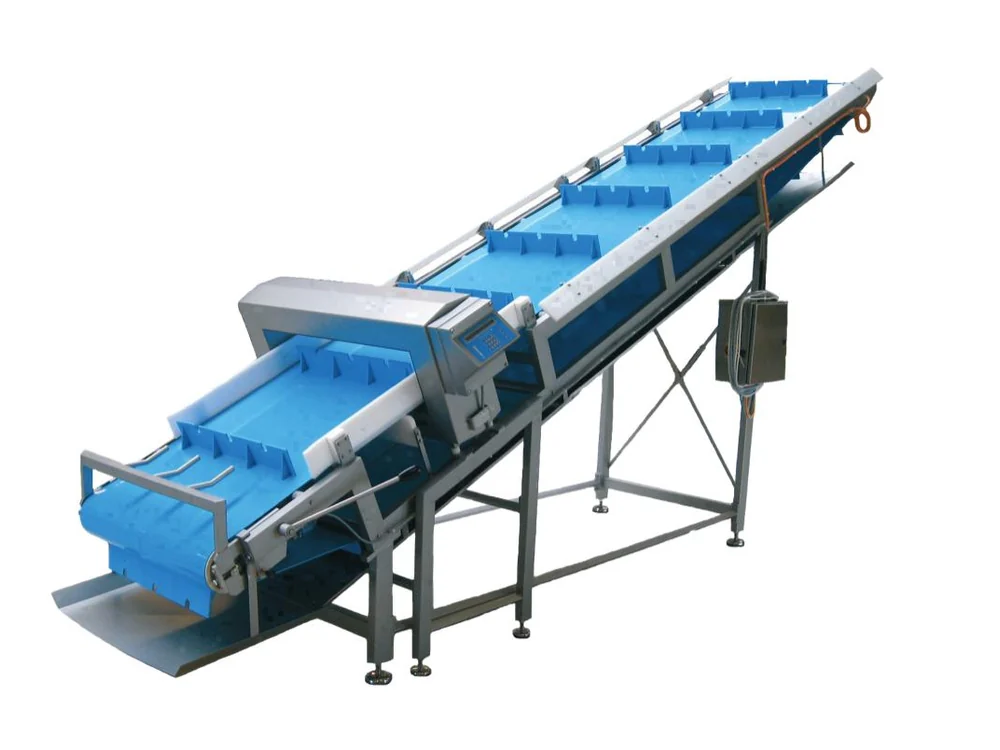
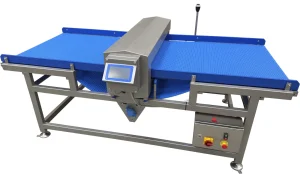
SmartLogic is the software that runs on the touchscreen control unit of the Detectronic 607, released as software version 9.3. The detection hardware is the 607 our customers already know. What changes is how the detector is set up, how its performance is checked and documented, and how much of that information stays on the machine instead of on paper.
Why we developed it
In daily production, the metal detector itself is rarely the hard part. The hard parts are around it: setting up a new product quickly and correctly, proving at regular intervals that the detector still finds what it should, and showing an auditor who changed a setting and when. SmartLogic was developed to make those tasks more consistent and less dependent on individual experience and separate paperwork.
2026 is Detectronic's 40th year of designing and building metal detectors in Denmark. SmartLogic is part of our continued investment in our own technology, alongside the mechanical engineering and hygienic design our detectors are known for.
Auto Learn: product setup with fewer manual steps
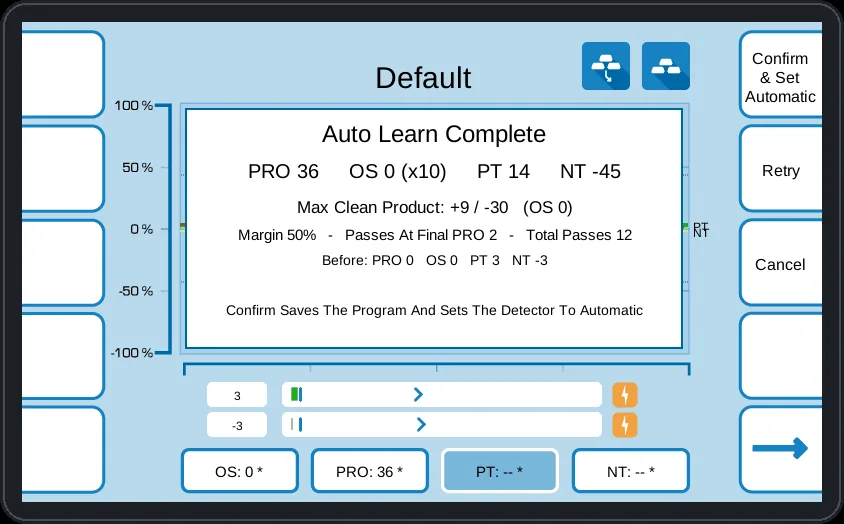
With Intelligent Auto Learn, the operator selects Auto Learn and passes a few representative products through the detector. SmartLogic learns the product signal and shows the proposed setting and the margin. Nothing is rejected while it learns, and nothing is saved until the result is confirmed. Cancelling restores the previous program.
Because the detector does the measuring, there is less manual adjustment of detection parameters during setup. Two optional steps follow directly: a Metal Check, which confirms with your test pieces that FE, non-FE and stainless steel are found without changing any setting, and an Advanced Optimisation, which looks for a more sensitive setting with enough margin and again saves nothing without confirmation. Technicians can still set product programs manually when the application calls for it.
Better everyday operation
- One clear main screen with the detector state, the live signal and the status of the last performance validation.
- Self-diagnosis in plain text. The detector checks itself continuously; if something is wrong it shows the cause and what to do, and records it.
- Product management. Product programs can be renamed, exported and imported by USB, and the detector asks before unsaved changes are lost.
- 16 menu languages, including languages with other alphabets such as Arabic and Chinese.
- Signed software updates by USB. Only software signed by Detectronic is accepted, and programs, settings and the Event Log are kept.
Quality control: validation, permissions and audit trail
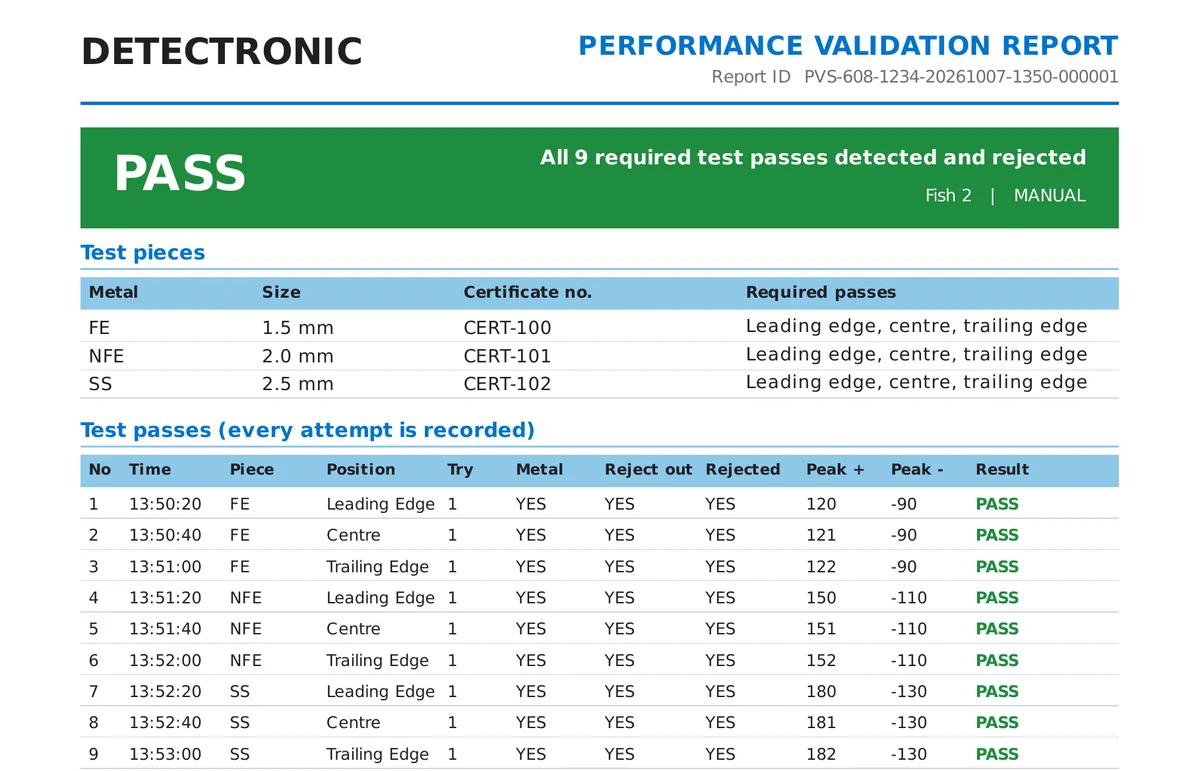
Der Performance Validation System (PVS) guides the user through a test with certified FE, non-FE and stainless steel test pieces at the leading edge, centre and trailing edge. Every attempt is recorded, including misses and retries. The test is signed on the touchscreen, and a PDF report is created and stored on the detector, where it cannot be changed or deleted. Tests can be scheduled per product, and the main screen shows when a test is due.
Four user levels — Operator, Supervisor, Quality and Technician — each have their own PIN, and every function has its own access level. The Event Log records every metal detection, state change, batch number, login and setting change with time and user, and can be exported to Excel on a USB stick. After service, the Detectronic technician creates and signs the Certificate of Calibration on the detector, so it is always available on the machine and can be exported as a PDF.
Upgrading existing Detectronic detectors
New 607 detectors are delivered with SmartLogic. Many existing 607 detectors with the touchscreen control unit can be upgraded to the new software, and on a software upgrade the product programs, reject times, encoder settings, language and Event Log are kept.
Compatibility and the upgrade procedure depend on the machine and the generation of its control unit. Older keyboard-controlled detectors may require a new control unit. Send us the serial number from the rating plate and we will tell you which options apply to your detector.
Interested in upgrading your existing Detectronic metal detector? Contact us with your machine serial number to explore your options. Ask about an upgrade →